
The Right Printer for Your Office – What Teams Really Need
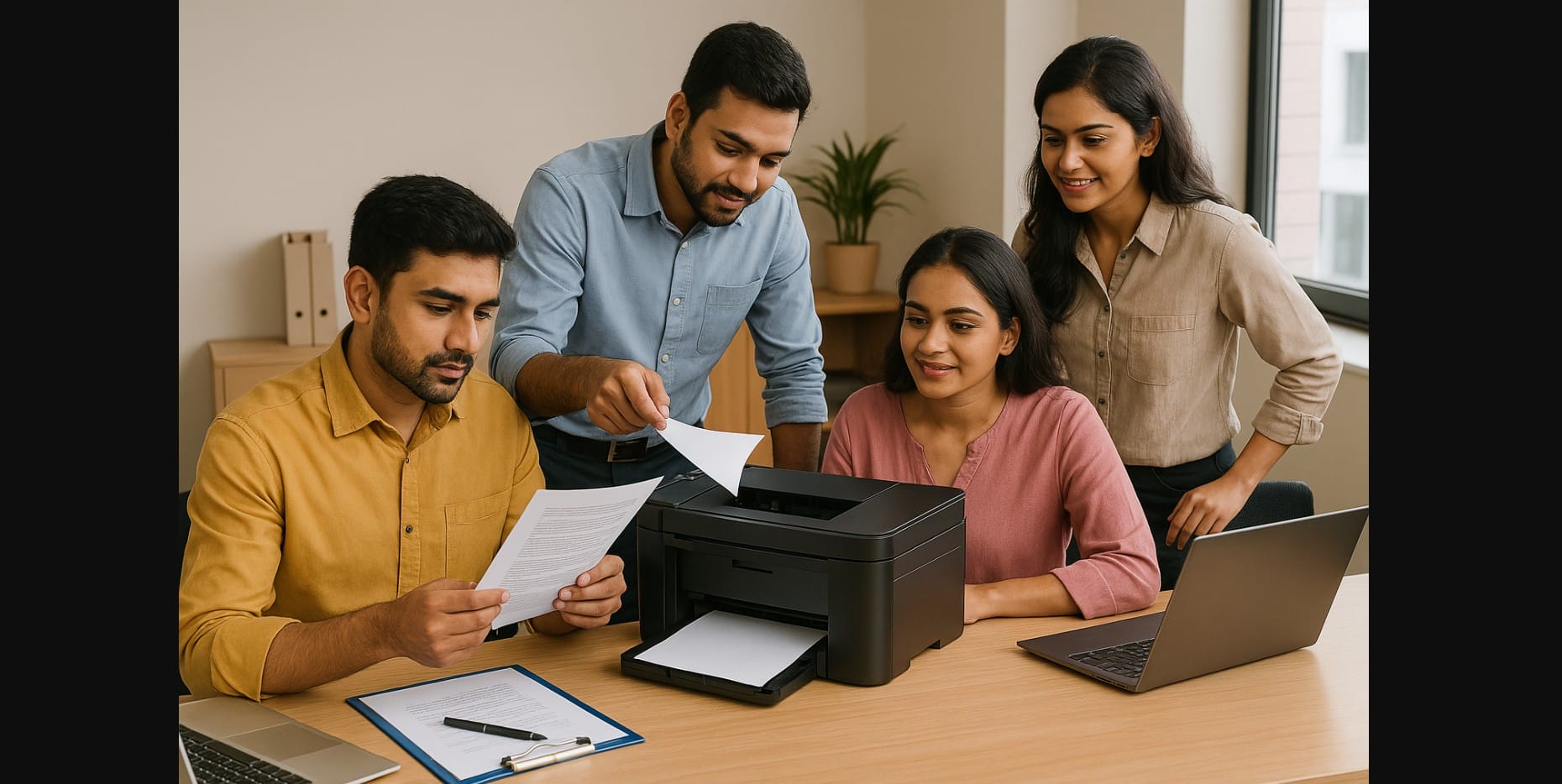
Running a small office in India isn’t just about space or staff it’s about getting things done efficiently with the right tools. And when it comes to printing, you need more than just any machine.
Whether you’re running a CA firm, a legal consultancy, a coaching center, or a startup with a compact team, your printer needs to handle a mix of tasks: frequent black-and-white documents, the occasional color page, multi-user access, and nonstop reliability.
You don’t want to keep refilling paper every hour. You don’t want to worry about high ink costs. And you definitely don’t want a printer that throws up errors on a busy day.
Let’s walk through what really works for small Indian offices, based on how you actually use printers, not just technical jargon.
1. What Makes a Good Small Office Printer in India?
For most Indian offices with 2-10 people, the printer must be:
- Fast, because no one wants to queue up and wait
- Reliable, because downtime delays workflow
- Cost-efficient, because every page counts
- Compact, because desk space is often shared
- And ideally, usable by everyone, not just the person with the USB cable
If your team prints 20-100 pages daily contracts, client forms, GST invoices, lesson handouts your needs are different from a home user or a big enterprise.
2. Core Printer Features to Look For
You don’t need all the bells and whistles, but you do need a few essentials that truly support office work.
Here’s what matters most in 2025:
- All-in-One Functionality – so you can scan, print, and copy from one machine
- Fast Printing Speed – 20+ ppm (pages per minute) keeps the queue moving
- High Page Yield Ink or Toner – for low running cost and fewer interruptions
- Paper Handling – at least a 150-sheet tray to avoid frequent reloads
- Wi-Fi or Ethernet Access – so multiple users can print without moving cables
- Optional: Duplex printing for saving paper, and ADF (Automatic Document Feeder) for scanning multi-page documents
A coaching center in Lucknow prints over 50 question sets daily. Without a large tray or high-yield ink, they’d be changing paper or refilling ink every day.
3. Printer Types That Actually Work in Small Business Setup
Let’s simplify the choice. You don’t need to explore 15 models just match your office type to the most sensible printer category.
| Printer Type | When It Makes Sense |
|---|---|
| Mono Laser AIO | Perfect for offices printing mostly text like legal, CA, or admin use |
| Ink Tank AIO | Ideal if you need some color, print regularly, and want lower running costs |
| Color Laser AIO | Better if you’re printing flyers, charts, or documents with logos and visuals |
| Compact Inkjet AIO | Fine for low-volume use but not suited for 50+ pages/day |
| Network Laser Printer (Print Only) | Great if scanning is handled separately and speed is key |
Many Indian CA firms now prefer mono laser printers they cost more upfront but run quietly, print fast, and rarely need toner changes.
4. Choosing Based on Office Type
If you’re unsure where to begin, start by identifying the kind of office you run:
| Office Type | Suggested Printer Setup |
|---|---|
| CA or Legal Office | Mono laser AIO with duplex (double-sided printing) |
| Startup Team (3-5 users) | Ink tank AIO with Wi-Fi or LAN connectivity |
| Tuition or Coaching Center | Ink tank AIO that can handle high page volume cheaply |
| NGO or Field Office | Compact mono laser for mobility and rugged use |
| Design or Architecture Office | Consider A3-compatible printers for layout prints |
Even if your office prints only 20-30 pages a day, picking the wrong printer can mean spending too much on ink, paper jams, or getting stuck with limited functionality.
5. How Much Does It Cost to Run These Printers?
Knowing what the printer costs is only half the story you also need to know how much each page will cost you over time.
| Printer Type | B/W Cost Per Page | Color Cost Per Page | Maintenance Level |
|---|---|---|---|
| Ink Tank AIO | ₹0.10-₹0.20 | ₹0.30-₹0.50 | Low |
| Mono Laser AIO | ₹0.50-₹0.80 | N/A | Very low |
| Color Laser AIO | ₹0.80-₹1.50 | ₹4-₹8 | Medium |
| Cartridge Inkjet | ₹2-₹4 | ₹4-₹7 | High |
For most Indian offices, mono laser or ink tank models are the sweet spot. They balance quality and affordability over the long run.
6. A Few Missteps Can Cost You More Than Just Rupees:
- Buying a cartridge printer for high-volume work refill costs will explode
- Choosing print-only models you’ll end up needing scan or copy sooner than you think
- Ignoring paper tray size refilling every 10 pages gets frustrating
- Overlooking connectivity USB-only won’t work for a shared setup
- Buying without checking service support even good brands may lack local help
A small IT firm in Jaipur bought a budget printer online, only to discover their city had no authorized service center for that model.
7. How to Get the Most Out of Your Office Printer
Once you’ve made a smart purchase, small changes can go a long way:
- Enable draft mode for internal prints
- Print double-sided if your printer supports it
- Set a static IP so all users can connect easily
- Keep a stock of ink or toner to avoid downtime
- Use authentic refills to extend life and avoid clogs or errors
With the right setup, your printer becomes a productivity tool not a source of stress.
8. Print Smarter, Work Faster
The best office printer isn’t the one with the most features; it’s the one that does its job quietly, quickly, and affordably. Whether you’re printing 10 invoices a day or 100 study sheets, the right printer keeps your workflow smooth, your team productive, and your printing costs predictable.
To achieve this, consider factors such as print speed, paper handling capabilities, and ease of use, as these are essential for maximizing efficiency in a busy office environment. Additionally, a reliable printer minimizes downtime with easy maintenance and robust customer support, ensuring that your team can stay focused on their tasks without interruption.

