
Build a Whisper-Quiet Gaming PC in India: No More Fan Noise
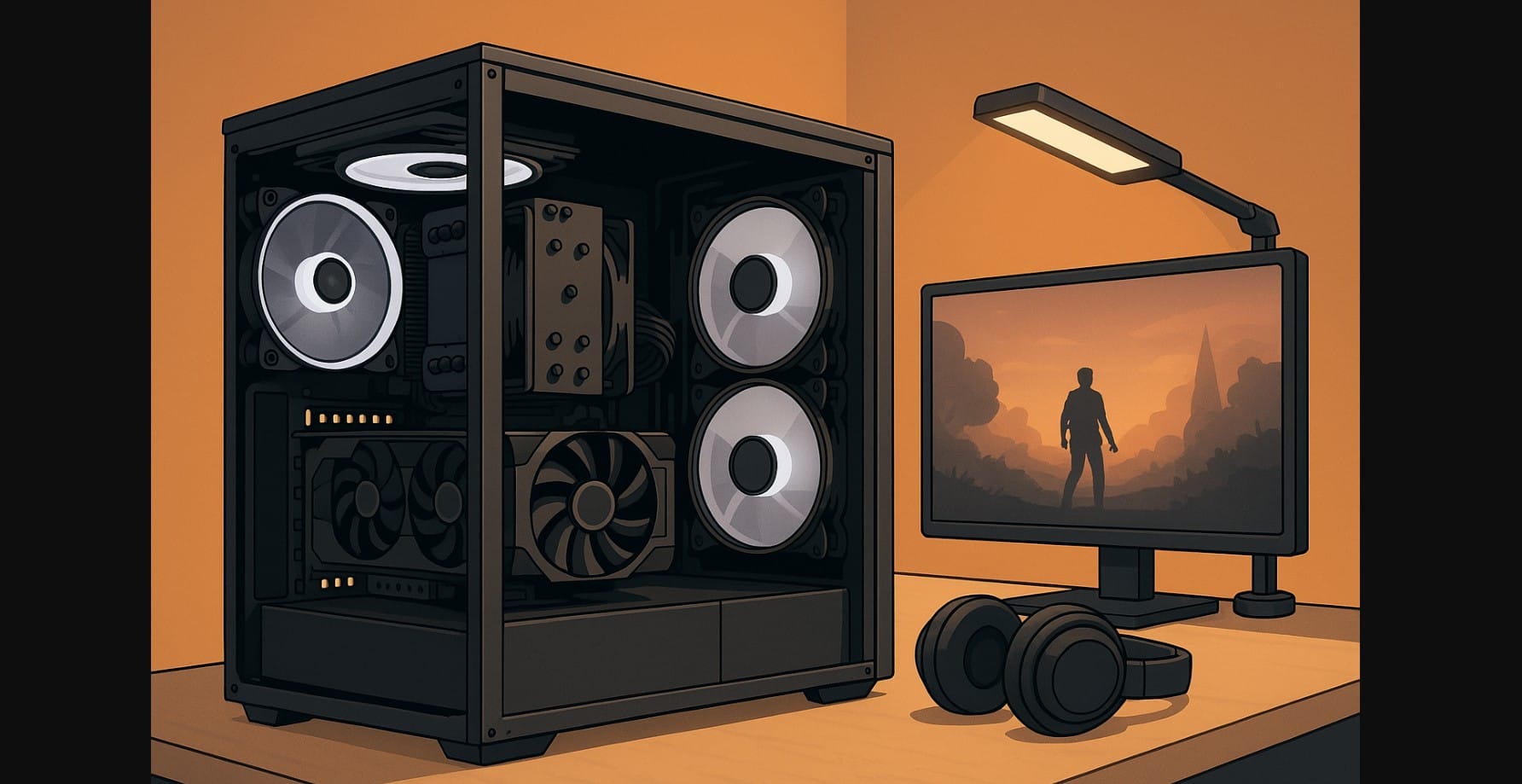
Not every gamer wants a loud, whirring machine. Whether you game late at night, share your room with family, or just hate fan noise, building a quiet gaming PC can make a huge difference. But in India, where heat, dust, and budget constraints are real, keeping your setup silent without killing performance takes some smart choices.
This guide walks you through how to reduce noise in your gaming PC from selecting the right fans and coolers to choosing quieter cases and tweaking fan curves. Whether you’re building new or upgrading your current rig, here’s how to balance silence, airflow, and gaming power.
1. Why Gamers Are Prioritizing Quiet Computer Builds
For years, flashy lights and massive airflow stole the spotlight. But in India loud PC quickly become a problem.
Common scenarios:
- Your desk is in the bedroom, near someone trying to sleep
- You stream or record and don’t want fan noise in the mic
- You game late at night and want less attention (and heat)
Add India’s warm climate and dusty air, and you need a PC that stays cool without turning into a jet engine.
2. What’s Actually Making Your PC Loud
You can’t fix noise until you understand where it’s coming from:
| Noise Source | Why It’s Loud | What to Fix |
|---|---|---|
| CPU cooler | Small fans spinning fast | Use a large tower or quiet AIO |
| GPU | Constant fan ramping | Get one with 0 dB mode and better cooling |
| Case fans | Poor airflow = high RPM | Use fewer, better-quality fans |
| PSU | Old or cheap unit with loud fan | Switch to semi-passive, branded models |
| Vibration | No damping in fans, drives, or case | Add rubber mounts and sound pads |
3. Start Here: The Quietest CPU Coolers That Actually Work in India
You don’t need liquid cooling to stay quiet. In fact, well-designed air coolers beat many AIOs for silence.
Top Picks in 2025:
- Noctua NH-U12S Redux – Ultra-quiet, rock solid, ~₹6,000
- Cooler Master MasterLiquid 240L Core – Updated AIO with silent fans ~₹5,900
Apply thermal paste correctly uneven spread increases heat and fan noise.
4. GPUs That Don’t Whine, Whirr, or Distract
Most modern cards come with fan-stop (0 dB) mode but not all implement it well.
Choose these for silent performance:
- Asus Dual/TUF RTX Series – Fans stay off under 50°C
- MSI Ventus 2X RTX Series – Great thermals, quiet even in turbo
- Sapphire Pulse RX Series – AMD’s efficient and silent contender
Avoid Triple-fan cards unless you really need the power. More fans = more potential noise.
5. Pick Computer Case Built for Silence
Your cabinet is your sound barrier. Choose one that helps reduce noise, not amplify it.
Great options for Indian builders:
- Fractal Pop Silent – Budget-friendly, foam-dampened panels
- Antec P20C Silent – Clean airflow with sound padding
- NZXT H5 Flow / H6 Flow – High airflow means fans spin slower = less noise
- Corsair 4000D Airflow – With quiet fans, becomes near-silent
Use side panels with foam or rubber seals if possible.
6. Fewer, Smarter Cooling Fans Make a Bigger Difference Than More Fans
Too many cooling fans often create noise without improving cooling.
| Fan Model | Why It’s Quiet | Price (₹) |
|---|---|---|
| Arctic F12 PWM PST | Cheap, silent, daisy-chainable | ₹500-₹600 |
| Noctua NF-P12 Redux | Top-tier build, low vibration | ₹1,000-₹1,200 |
| DeepCool FK120 (non-RGB) | Excellent balance, 2025 refresh | ₹800-₹1,000 |
| Be Quiet! Pure Wings 2 | Soft startup, great for exhaust | ₹1,000+ |
Use 2-3 well-placed fans (front intake, rear/top exhaust). That’s usually enough.
7. Master Your Fan Curve and Drop 50% of the Noise Instantly
- Enter BIOS and find Smart Fan / Q-Fan / Fan Tuning
- Set a custom fan curve: 0-50°C – 25-30% fan speed, 60°C+ – ramp up gradually
- Avoid fan speed jumps between 50-55°C they’re noisy and unnecessary
You can also use software like Fan Control (open source) or your motherboard’s utility.
8. Pick a Power Supply That Knows When to Stay Quiet
A loud PSU fan can hum louder than all your case fans combined. Get a model with a semi-passive or fanless mode.
Silent PSU picks:
- Corsair RM650e – Fan stays off under 300W load
- Seasonic Core GX-550 – Gold-rated, low-noise fan curve
- DeepCool PQ650M – Modular, quiet, often discounted
Stick to 80+ Gold efficiency. Cheap PSUs overheat faster = fan noise + risk.
9. Stop the Case Rattling: Small Fixes That Quiet Your Whole Desk
It’s not just airflow you might be hearing vibration or echo. Fix these:
- Use anti-vibration rubber washers on case fans
- Add foam strips where panels touch
- Mount hard drives with rubber grommets or convert to SSD
- Use a thick mouse pad under your case if your table vibrates
If you record or stream, these small tweaks make a big difference in audio quality too.
10. Quick Recap – What a Silent Gaming PC Looks Like
| Component | Silent Option Suggestion |
|---|---|
| CPU Cooler | Noctua NH-U12S Redux or Cooler Master |
| GPU | Asus Dual RTX 4060 Ti / MSI Ventus 4070 |
| Case | Fractal Pop Silent / Antec P20C Silent |
| Fans | 2 x Arctic F12 PWM or DeepCool FK120 |
| PSU | Corsair RM650e or Seasonic Core GX |
| Storage | SSD only (no spinning drives = silence) |
Result? <40 dB even while gaming. That’s quieter than your ceiling fan.
Building a quiet gaming PC in India isn’t just possible now it’s practical. Whether you’re in a shared room or a home office, a noise-free setup means better focus, fewer distractions, and a more polished experience.

