
Unlock Keyboard Magic: Macros for Students, Coders & Gamers
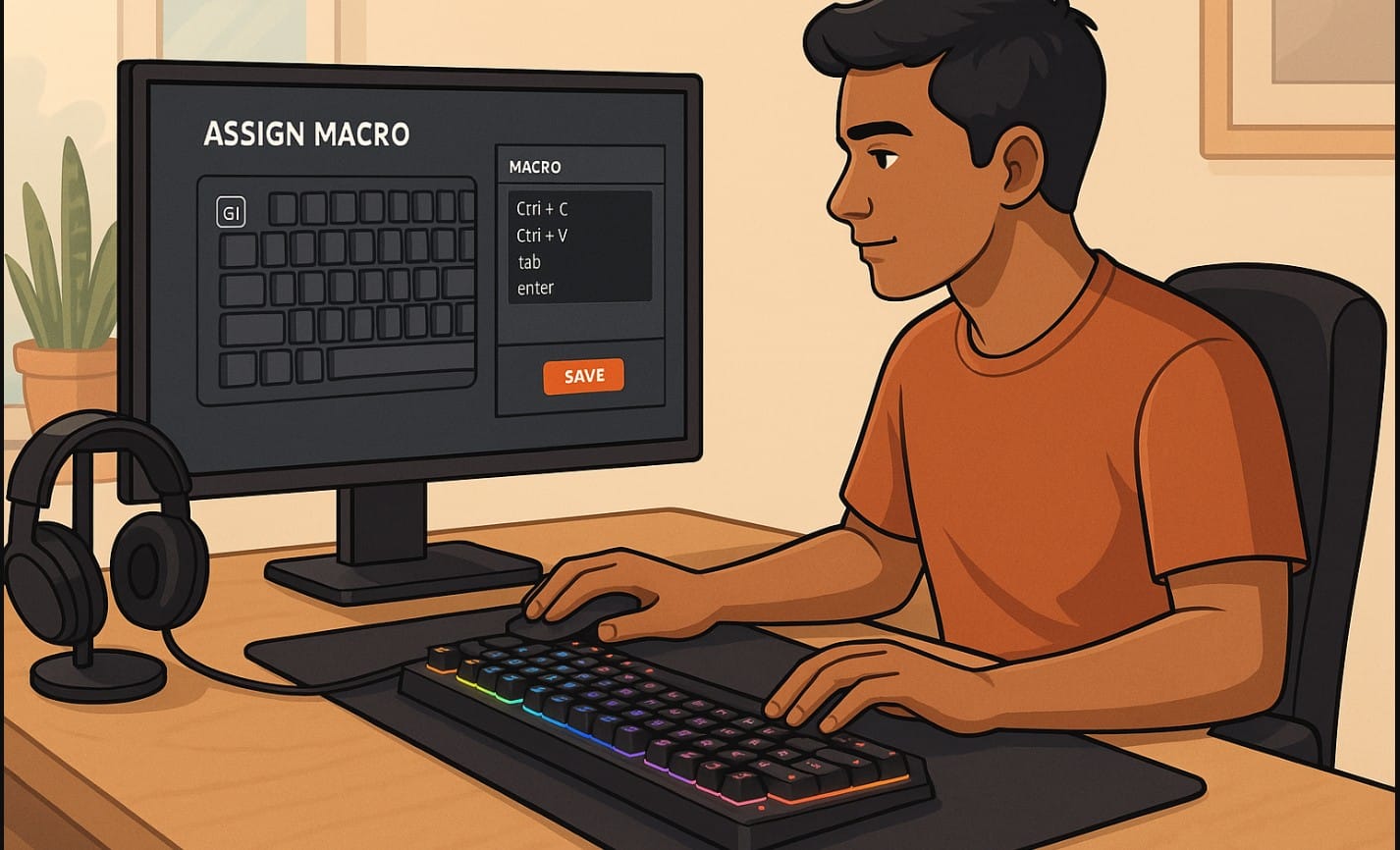
In a world where your day starts with email, ends with WhatsApp Web, and is packed with meetings, spreadsheets, and maybe some late-night gaming in between your keyboard could be doing a lot more than just typing.
Welcome to the world of macro keys the most underused feature on Indian keyboards that can save you clicks, effort, and time.
1. What Are Macro Keys, and Why Should You Care?
A macro key is a programmable button that can perform a sequence of actions with just one press. Imagine pressing a single key that:
- Opens your work apps
- Logs you in to a tool
- Pastes your standard email response
- Switches to your favorite loadout in a game
Sounds powerful? It is. And yet, very few Indian users even realize it’s built into many keyboards especially gaming ones.
2. Why Macro Keys Matter in Indian Homes and Workspaces
Whether you’re a professional, student, gamer, or content creator, here’s how macro keys help in real life.
Students and Online Learners
- Auto-type email IDs, addresses, logins
- Launch Zoom + Chrome + Notes in one go
- Reduce repetitive typing for project work
Office Professionals and Remote Workers
- Create Excel shortcuts: insert rows, format cells, export files
- Set one button to open Gmail, Slack, and Notepad
- Paste email templates or responses instantly
Gamers and Streamers
- Program crouch-jump or reload-and-lean into one key
- Use macros to launch OBS, trigger camera scenes
- Shortcut spam messages, emotes, or in-game controls
Creators, Editors, and Coders
- Auto-format lines of code
- Export video with one key (cut, rename, save)
- Batch rename files or insert common tags
3. But Do All Keyboards Support Macro Keys?
No. Here’s what matters:
| Keyboard Type | Macro Key Support |
|---|---|
| Basic office keyboards | Not supported |
| Membrane gaming keyboards | May have limited support |
| Mechanical gaming keyboards | Full macro support via software |
| Premium productivity keyboards | Often supported via software |
| Wireless minimalist keyboards | Rarely include macros |
Look for brands like Redragon, Cosmic Byte, Ant Esports, Logitech G, or Razer. They often include macro software with mid-range models.
4. How to Set Up Macros – The User’s Guide
Option 1: Keyboard Software
If your keyboard came with brand software (like Logitech G Hub, Redragon Driver, etc.):
- Open the software
- Select the key you want to program
- Record your keystrokes or mouse actions
- Save and assign
Option 2: Microsoft PowerToys (Free)
Don’t have a gaming keyboard? Install PowerToys:
- Use the Keyboard Manager to remap keys or create system-wide shortcuts
- Works with most Windows 10/11 PCs
Option 3: AutoHotKey (Advanced)
Write small scripts like:
ahk
CopyEdit
::gm::Good morning! Hope you’re doing well.
- Free, open-source
- Great for coders, power users
5. Real Keyboard Macro Ideas for Everyday Users
| User Type | Macro Example |
|---|---|
| WFH Employee | Launch Outlook + Zoom + Excel |
| College Student | Auto-fill project headers: name, date, subject |
| YouTube Editor | Trim + export + save sequence in Premiere Pro |
| Gamer (FPS) | Reload + crouch + peek combo in one key |
| Freelancer | Paste client invoice link + default message |
| Coder | Insert template function with braces + return line |
6. Before You Start Using Macros
- Start small even 2-3 helpful macros make a big difference
- Don’t use macros for sensitive logins or passwords
- Label or note your assigned keys if your keyboard doesn’t have screens
- If you switch PCs often, back up your macro profiles
7. Use Macro Keys to Speed Up Work & Gaming
In Indian homes, where one person might juggle office work, gaming, and content creation from the same laptop, every shortcut counts.
Macro keys are a hidden power sitting right on your keyboard or one software download away, offering a remarkable way to streamline tasks and enhance performance. By customizing these keys to execute complex commands or multiple actions with a single press, users can save valuable time that can be better spent on creative endeavors or enjoying gaming.
If you can press one button instead of five, why not?

