
How Laptop Overheating in India Destroys Battery Health and How to Stop It
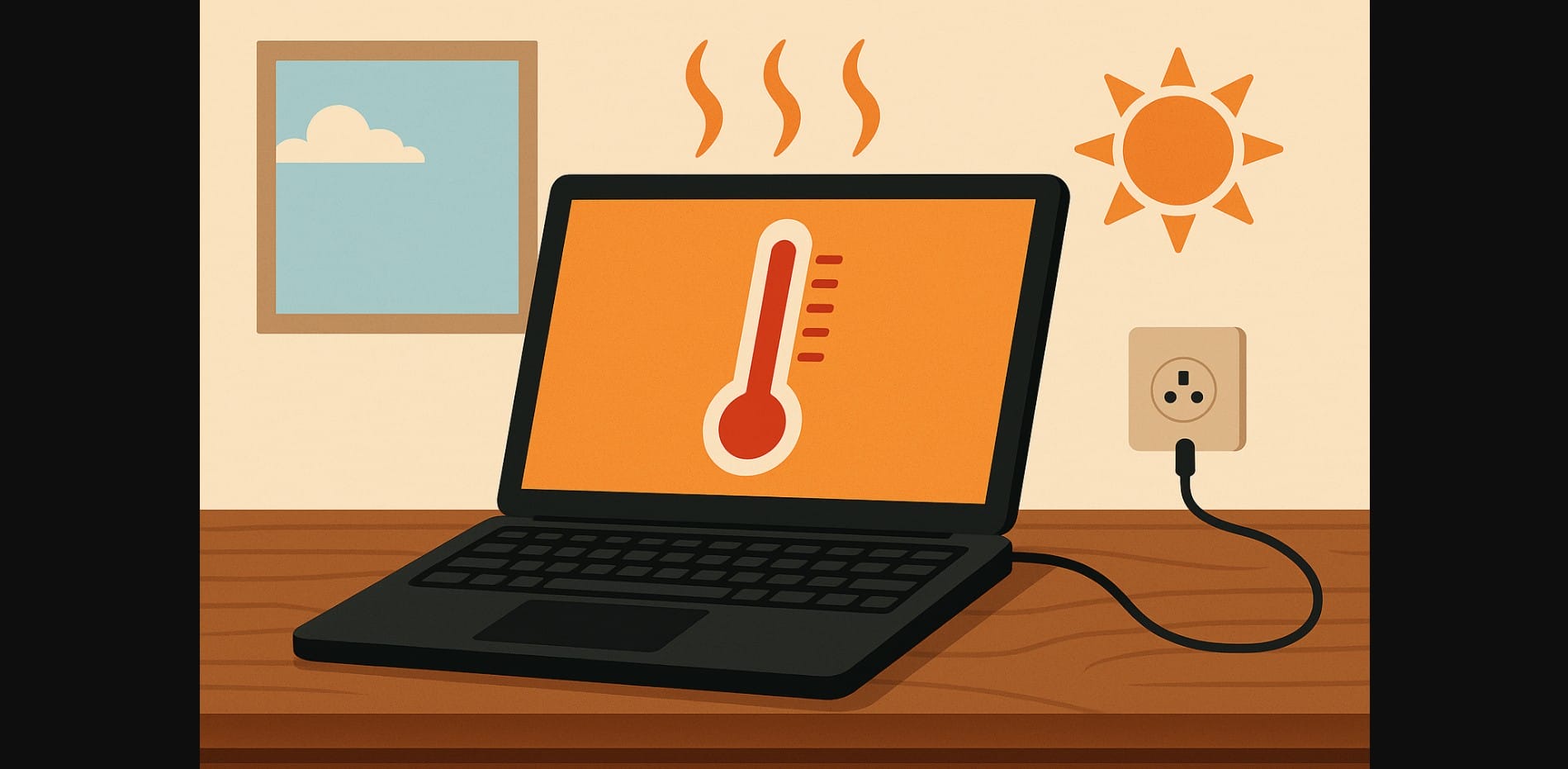
In Indian summers, indoor temperatures frequently rise above 35°C. Many users work in rooms without air conditioning or proper airflow, and laptops are often placed on beds, wooden surfaces, or cushions all of which trap heat. Without any ventilation underneath, heat builds up rapidly, especially during extended work sessions.
1. How Overheating Damages Your Laptop Battery Over Time
Battery Cells Lose Efficiency at High Temperatures
Laptop batteries are designed to operate best at 20-30°C. Prolonged exposure to 40°C or more common in Indian homes breaks down the battery’s internal chemical structure. Over time, this reduces its ability to hold a charge, increases wear, and shortens battery lifespan significantly.
Charging While Hot Causes Faster Battery Degradation
Plugging in a hot laptop causes internal stress. Charging generates additional heat, and if the system is already warm from usage or ambient temperature, it accelerates cell wear. Charging + gaming or video calls in a hot room is one of the fastest ways to ruin a battery.
Overheating Leads to Swelling, Health Drop, and Early Shutdown
Excess heat can cause the battery to swell, especially in enclosed laptops without metal bottom plates. This not only affects health percentage but also causes mechanical strain tight trackpads, warped chassis, or early shutoffs are common signs.
2. Signs That Overheating Is Damaging Your Laptop Battery
Battery Health Drops Below 80% Within the First Year
Most batteries should retain over 85% capacity for at least 18-24 months. If you check your battery report and see health below 80% within the first year, frequent overheating is likely the reason.
Laptop Feels Hot Near the Base or Trackpad During Basic Tasks
If your laptop becomes warm even during typing or browsing, that indicates blocked airflow or ineffective heat management. The area around the battery or trackpad is often where heat builds up first.
Laptop Battery Charges Slowly or Doesn’t Charge Beyond a Certain Point
Thermal sensors in your laptop throttle charging when internal temperatures are too high. If you notice “plugged in, not charging” messages or extremely slow charging, heat is likely interfering with the process.
3. Everyday Habits That Cause Laptop Overheating in Homes
Using Laptops on Beds, Sofas, or Wooden Tables Without Airflow
Beds and cushions block the underside vents completely. Even smooth wooden tables trap warm air if there’s no elevation. Many Indian users work from bedrooms where no cooling pad or stand is used.
Running Heavy Apps While Charging in Hot Rooms
Using Adobe Premiere, MS Teams, Zoom, or large spreadsheets while charging already generates heat. In hot rooms or during the afternoon, this pushes temperatures into the danger zone for battery health.
Charging the Laptop in Direct Sunlight or Near Walls Without Air Circulation
Charging near windows or walls that trap heat can raise your laptop’s ambient temperature by 5-10°C. If there’s no cross-ventilation or ceiling fan running, your battery silently suffers.
4. How to Reduce Laptop Battery Damage from Overheating
Use a Metal Laptop Stand or Cooling Pad for Better Airflow
Elevating the laptop improves air circulation underneath. Even a basic ₹500 metal stand helps heat escape. Cooling pads with built-in fans add an extra layer of thermal relief especially during long summer sessions.
Charge Your Laptop in the Coolest Room or During Cooler Hours
If possible, avoid charging your laptop between 12 PM and 4 PM in summer. Early mornings or late evenings are safer times for the battery. Charging in a fan-cooled or ventilated room significantly reduces thermal load.
Clean Dust from Air Vents Every 1-2 Months
Indian homes collect dust fast. Dust blocks vents and clogs internal fans, trapping heat inside. Use a soft brush or compressed air to gently clean side and bottom vents regularly.
Limit Charging When Laptop Body Feels Hot
If your laptop body feels hot to the touch, don’t charge it immediately. Let it cool down first. Avoid watching HD video, gaming, or multitasking with 15+ tabs while charging the combination of heat and voltage is harmful.
5. What to Do If You Suspect Your Laptop Battery Is Already Heat-Damaged
Run a Battery Health Report to Check for Capacity Drop and Cycle Count
- Windows: powercfg /batteryreport
- macOS: Apple Menu – System Report – Power
Look for: - Design Capacity vs Full Charge Capacity
- Cycle Count
- Signs of fast degradation within 12 months
Check for Signs of Swelling or Warped Laptop Base
If your laptop no longer lies flat, or your trackpad doesn’t click properly, it could be a swollen battery caused by repeated overheating. Stop charging and get it inspected immediately.
Use Charging Limit Tools to Reduce Future Battery Heat Stress
Brands like Lenovo, Dell, ASUS, and HP offer built-in tools to cap charging at 80%. This reduces thermal strain and voltage pressure on your battery during plugged-in use.
6. In India’s Climate, Managing Laptop Heat Is Key to Protecting Battery Life
Your battery doesn’t just wear out with time it gets silently damaged by heat. India’s warm indoor temperatures, long usage hours, poor airflow, and power cuts make laptops run hotter than ideal.
You can’t control the weather, but you can:
- Keep vents clean
- Avoid heat while charging
- Use a stand or pad
- Monitor battery health regularly

