
How to Share Xbox Games Safely in India – Microsoft Account Rules
Buying Xbox games digitally can get expensive in India with many titles crossing ₹4,000. That’s why game sharing has become so popular among Indian gamers.
But how much of it is truly allowed by Microsoft? Can you share your Xbox library with a friend legally? Is buying “preloaded accounts” from Telegram safe?
This guide clears it all up for Xbox Gamers in India – what you can share, how it works, and what will get you banned.
1. How Game Sharing Really Works on Xbox Not a Hack, But an Official Feature
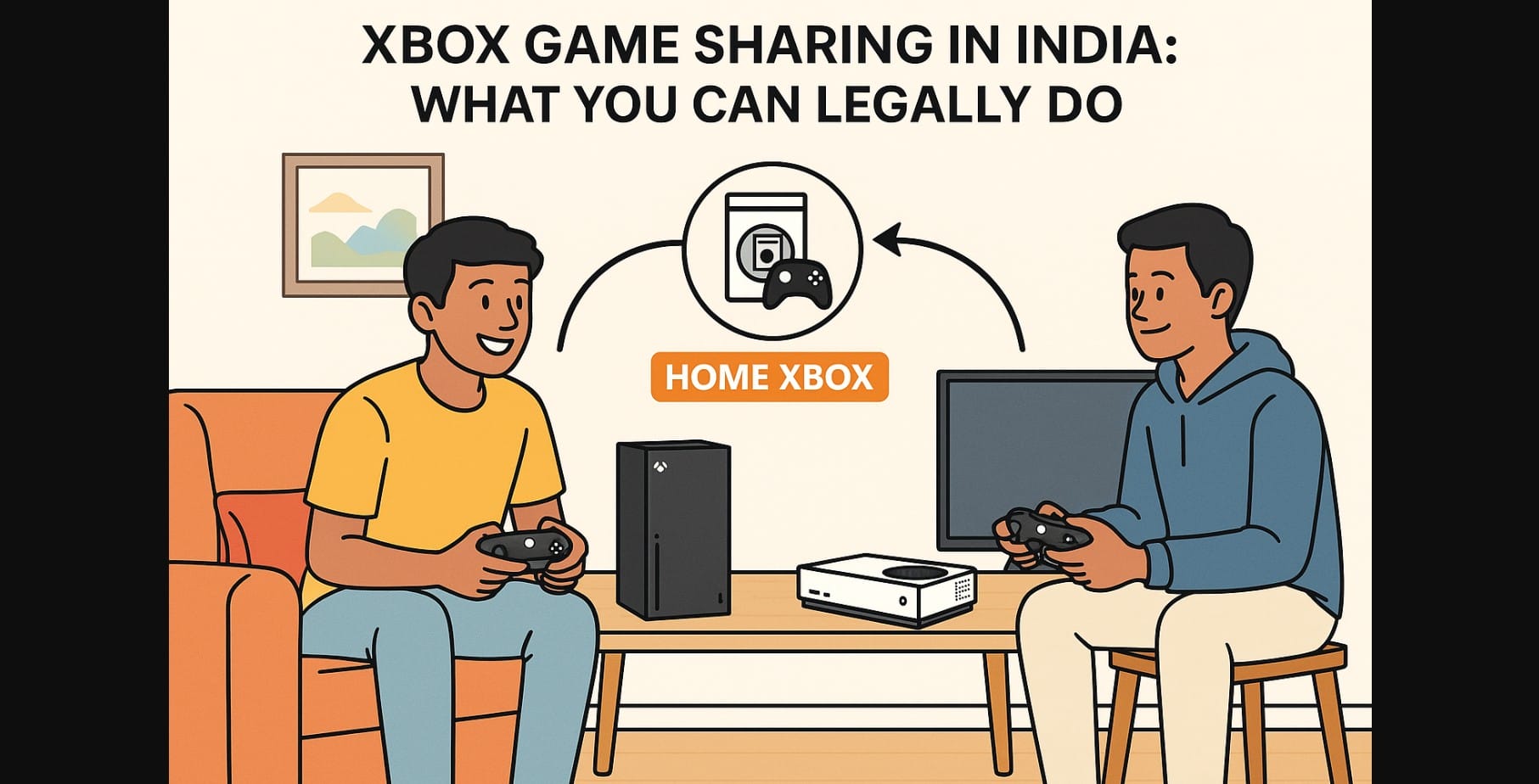
Xbox’s Home Console system allows you to share your games and subscriptions with one other console.
- You can set one Xbox console as your “Home Xbox.”
- All users on that console can play your digital games and use your subscriptions (Game Pass, EA Play, etc.).
- Meanwhile, you can still log into another Xbox and access everything from your own account.
This is not a loophole Microsoft allows it.
2. What You Can and Can’t Share with Someone in India
You Can Share:
- All digitally purchased Xbox games
- Xbox Game Pass Ultimate (including EA Play, Xbox Live Gold, and Cloud Gaming)
- In-game DLCs purchased from your account
- Subscriptions tied to your profile
Check - https://support.xbox.com/en-IN/help/hardware-network/console/my-home-xboxYou Can’t Share:
- Physical game discs
- Items purchased using in-game currency (unless claimed under your profile)
- Game Pass cloud gaming access (works only for the active account)
- Any content that requires login-based verification
3. How to Share Games with a Trusted Friend or Family Member
- On your Xbox, go to: Settings > General > Personalization > My Home Xbox
- Set their console as your Home Xbox.
- They’ll now see your games and subscriptions under their profile.
- You can do the same with their account on your console.
You’re now game sharing and both of you can play the other’s library.
But be careful: You can change your Home Xbox only five times per year.
4. Home Xbox Game Sharing: What’s Common (and What’s Dangerous)
Sharing with Siblings or Within a Single Household
- Completely allowed and safe.
- Works well for multiple users on the same console or two consoles in one home.
Sharing with a Trusted Friend in Another City
- Still allowed, but requires mutual trust.
- Only share with someone who won’t change settings or misuse your account.
- Use two-step verification to protect your Microsoft profile.
Buying or Renting Game Pass “Slots” Online
- Common in India via Telegram, OLX, and Instagram sellers.
- NOT ALLOWED. Violates Xbox’s terms.
- Microsoft can detect unusual sign-in behavior or rapid Home Xbox switches leading to a permanent console or account ban.
5. What Happens If You Keep Switching “Home Xbox” Too Often?
- You get five switches per year, tracked on a rolling 365-day basis.
- After five switches, you can’t reset again until the next year.
- Even if your Xbox is stolen, sold, or reset, Microsoft won’t manually reset your counter.
- So if you share with too many people or jump between accounts for Game Pass tricks you’ll be locked out.
6. What to Do If Someone Misuses Your Xbox Account or You Get Locked Out
If someone changes your Home Xbox or uses your login:
- Immediately change your Microsoft password.
- Enable 2-step authentication using the Microsoft Authenticator app.
- Go to support.xbox.com and file an Account Recovery request.
- You may be asked to provide past purchase data or login history.
Microsoft does not step in for disagreements between friends so only share with someone you absolutely trust.
7. Is Xbox Game Sharing the Same as Cloud Gaming?
No they’re completely different systems.
Game Sharing allows shared access to purchased games and subscriptions on different consoles using the Home Xbox feature.
Cloud Gaming (part of Game Pass Ultimate) lets you stream games online without installing them.
- This service does not support sharing only the logged-in account can access cloud titles.
8. Recap – Should You Try Xbox Game Sharing in India
| Situation | Is It Safe? | Allowed by Xbox? | Risk Level |
|---|---|---|---|
| Sharing with sibling in same home | Yes | Yes | Low |
| Sharing with a trusted friend | Yes | Yes | Medium |
| Renting Game Pass access online | No | No | High (bannable) |
| Buying preloaded accounts | No | No | High (permanent ban risk) |
| Constantly switching Home Xbox | ⚠ Risky | (Limited) | High (lockout possible) |
9. Stay Legal, Stay Safe
- Use Home Xbox only with 1 person at a time keep it simple.
- Avoid marketplace scams or sellers offering cheap “access.”
- Never share login details just set Home Xbox once, then change your password.
- Always protect your account with 2-step verification.

