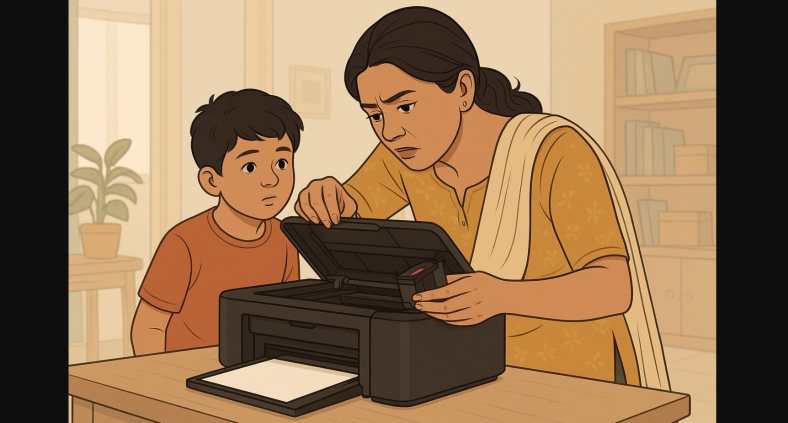
Printers are useful until they stop working. And in homes, that usually happens right when you need it most: exam week, document submission day, or booking a ticket.
But don’t rush to the repair shop just yet. Many common printer problems can be fixed at home with just a few simple steps.
Whether you’re using an inkjet or ink tank printer from HP, Canon, or Epson, this guide walks you through the most frequent issues Indian users face and how to solve them yourself.
1. Printer Paper Jam That Won’t Go Away
- A blinking paper icon
- Error message like “Paper Jam”
- No visible paper inside
Fix:
- Turn off and unplug the printer
- Open the back panel or top cover
- Gently pull out any stuck paper
- Check inside with a phone torch
- Clean out small paper scraps or dust
- Restart the printer and try again
Quick Tip: Use only flat, clean A4 sheets folded corners or moist paper from humidity can jam rollers.
2. Printer Is Connected, But Nothing Prints
- Printer shows “Ready” but nothing happens
- Jobs stuck in the print queue
- No error, just silence
Fix:
- Cancel all print jobs from the queue
- Restart both the printer and your computer/phone
- Make sure the correct printer is selected
- Reconnect the USB or Wi-Fi
- Try a test page from the printer settings
Quick Tip: If you’re on Wi-Fi, restart your router too. Printer and PC must be on the same network.
3. Ink Cartridge Not Recognized
- “Cartridge missing” or “Ink not detected”
- Error even after inserting a new cartridge
Fix:
- Remove and gently wipe the cartridge’s copper contacts with a clean dry cloth
- Check if it clicks into place properly
- Restart the printer
- If using a refilled or non-original cartridge, try genuine to test
Quick Tip: Some printers reject unofficial cartridges. If you’re using a refill, always go to a trusted ink vendor.
4. Print Is Blurry, Faint, or Skipping Lines
- Faded text
- Broken or missing color
- Smudged prints
Fix:
- Open your printer software or app
- Run Nozzle Check and Print Head Cleaning
- Print a test page
- Repeat once if needed
- Avoid printing during extreme heat or humidity
Quick Tip: If you haven’t printed in weeks, the ink may have dried. Print something every 10-15 days to avoid clogs.
5. Wi-Fi Printing Is Slow or Keeps Dropping
- “Printer Offline” message
- Long delay between clicking “Print” and output
Fix:
- Move the printer closer to your router
- Use 2.4GHz Wi-Fi, not 5GHz (better for printers)
- Assign a static IP address in printer settings
- Update firmware through the printer app
Don’t print huge photos directly from your phone. Convert to PDF and reduce file size before printing.
6. Printer Doesn’t Turn On or Keeps Restarting
- No display or lights
- Printer powers off midway
Fix:
- Plug directly into the wall socket (avoid loose power strips)
- Try a different outlet
- Wait 30 seconds before powering back on
- If it still fails, try connecting to a surge protector or small UPS
Quick Tip: Power fluctuations are common in India. Protect your printer just like your router or fridge.
7. Print Jobs Go to the Wrong Printer
- File prints as a PDF
- Goes to a different device (Microsoft XPS, OneNote, etc.)
Fix:
- On Windows:
Go to Control Panel > Devices and Printers
Right-click your printer > Set as default - On mobile:
Reinstall the app and reconnect only to the correct printer
8. You Don’t Always Need a Printer Technician
Most printer problems especially in Indian homes and hostels are caused by:
- Dust
- Power supply issues
- Incorrect settings
- Poor Wi-Fi connections
- Dried ink from long gaps in usage
Now that you know how to fix them, you can save time and avoid unnecessary service calls.
And if your printer keeps acting up even after trying these steps, that’s when you can consider professional help or check if it’s time for a newer, more reliable model.
