
How to Protect Your Smart Devices from Power Cuts and Surges in India
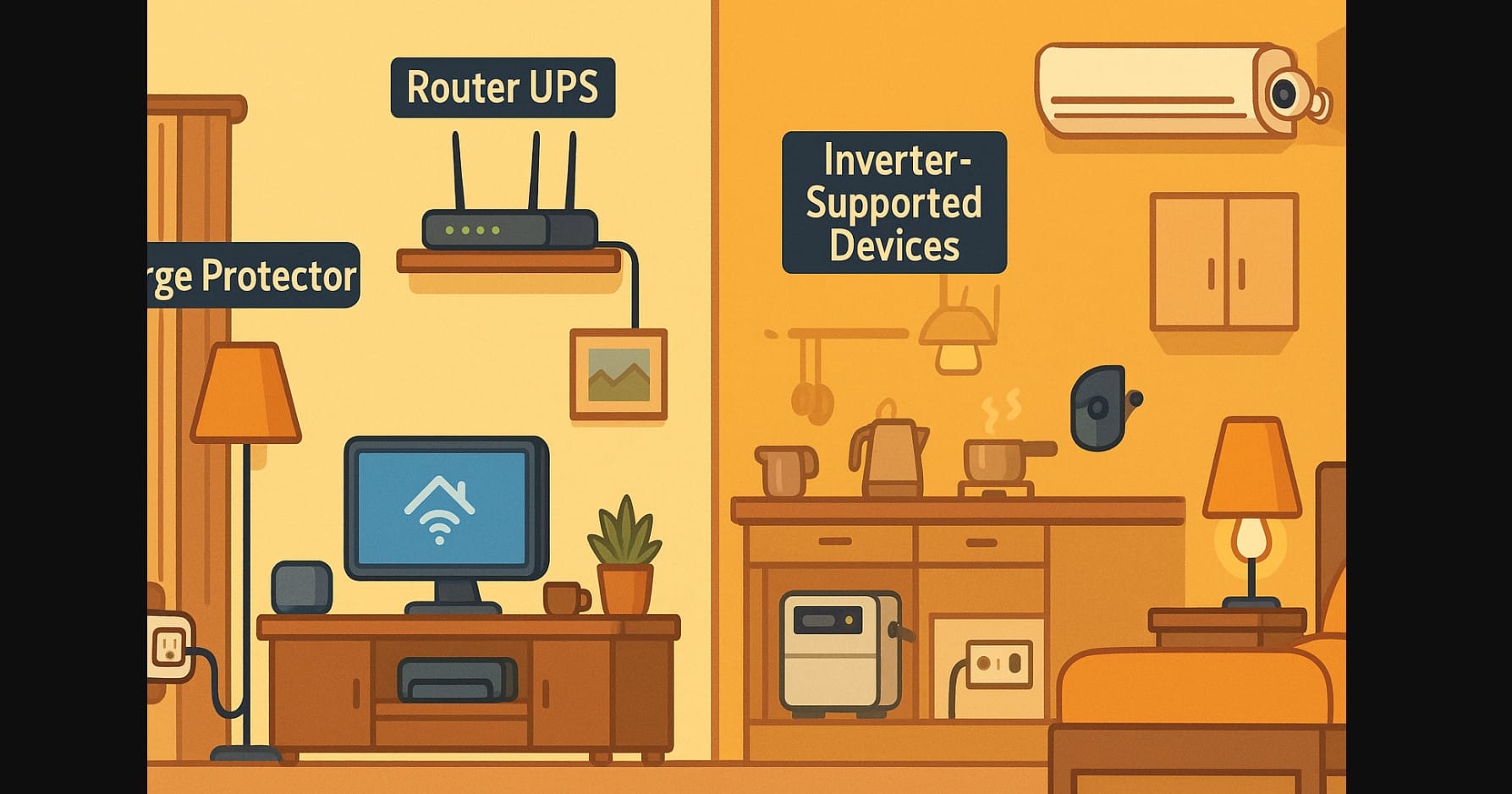
Your smart home runs on more than just Wi-Fi it runs on reliable electricity. And if you live in India, you already know: power cuts, voltage drops, and surges aren’t rare. From sudden blackouts to inconsistent inverter output, India’s power grid brings its own challenges.
The question is: Are your smart devices protected and prepared?
This guide helps you make sure your smart home stays online, responsive, and safe even when the lights flicker.
1. What Can Go Wrong in Indian Power Conditions?
Most Indian homes experience:
- Short or long power cuts (especially in tier-2/3 towns)
- Voltage fluctuations during peak hours or monsoons
- Sudden reboots during inverter switchovers
- Low-quality wall outlets with no grounding
Here’s how these affect smart homes:
- Smart plugs lose power and forget schedules
- Smart lights flicker or reset
- Wi-Fi routers restart, breaking all automation
- Voice assistants go offline and lose connection
- Cameras freeze or don’t record during critical moments
2. Use Surge Protectors to Safeguard Sensitive Devices
Every time voltage spikes (which is common during power return), your smart devices face risk.
Devices You Should Always Protect:
- Wi-Fi router – the brain of your smart home
- Smart plugs and bulbs – directly connected to wall sockets
- Voice assistants (Echo, Nest Mini) – prone to crashing after a surge
- Cameras – long-term operation needs consistent power
What You Can Use:
- Surge-protected power strips (brands like Belkin, GM, Anchor)
- Spike guards with overload protection
- UPS for Wi-Fi routers (brands like Resonate, Cuzor – available in India)
₹500-₹2000 spent on surge protection can save thousands in damaged devices.
3. Understand Inverter Compatibility for Smart Devices
Smart homes and inverters don’t always play nice. During switchovers:
- Some devices reboot
- Wi-Fi may drop for 1-2 minutes
- Voice assistants go offline temporarily
What Works Well:
- Smart plugs and bulbs (low wattage, stable load)
- Cameras and routers (if powered via inverter)
- IR blasters, sensors, and switches (draw very little power)
What to Avoid:
- Connecting high-load devices (like microwaves, heaters) to smart plugs
- Using budget inverters that supply modified sine wave – this causes flicker, heat, or failure
Keep only essential smart devices (Wi-Fi, plugs, cameras) on the inverter. Leave heavy appliances out.
4. Plan for Power Outages and Reboots with Smarter Routines
Outages in India are often:
- Unpredictable (midday cuts)
- Time-specific (early morning load shedding)
- Monsoon-related (frequent in July-September)
Smart Fixes:
- Avoid scheduling routines between 5-7 AM or 6-8 PM in areas with load shedding
- Use plugs that remember previous state (not all smart plugs do)
- Don’t automate geysers or pumps in outage-prone hours
- Add a manual fallback (physical switch override or app shortcut)
5. Monitor and Spread Power Loads Smartly
Most Indian flats have limited sockets per room. Avoid these mistakes:
- Overloading one spike guard with three smart plugs
- Running a fan, fridge, and camera on one wall circuit
- Using smart plugs for devices above 6A (unless rated for heavy use)
What Helps:
- Use one plug per appliance
- Label plugs for family clarity
- Don’t chain multiple spike guards
- Feel the plug after 30 mins if it’s hot, reduce the load immediately
6. Use Battery-Backed Smart Devices Where It Counts
In high-outage zones, battery-powered smart options provide reliability.
| Device | Battery Support? | Worth It? |
|---|---|---|
| Smart cameras | Yes (some) | Good for blackouts |
| Smart doorbells | Yes (most) | Excellent for low-power homes |
| Smart sensors | Yes (Zigbee) | Work without direct electricity |
| Wi-Fi routers | No (needs UPS) | Use UPS for reliable automation |
| Smart speakers | No | Needs constant power and Wi-Fi |
Battery backups aren’t just for power cuts they prevent routine failures and missed events.
7. For Smart Home Stability
- Always use 2.4 GHz Wi-Fi most smart devices can’t reconnect via 5 GHz
- Place your router on an inverter + UPS combo for uninterrupted routines
- Check for flickering after setup it could be power or plug-related
- If a smart plug resets repeatedly, switch the wall outlet or test on a different circuit
- Buy only ISI-marked extension boards for smart setups
8. Smart Devices Deserve Smart Power Planning
A smart home in India isn’t just about apps and routines it’s about adapting to real infrastructure.
That means:
- Protecting your plugs and lights
- Powering your Wi-Fi during cuts
- Avoiding automation during surge windows
- Choosing devices that behave predictably during outages
The smartest homes aren’t just connected. They’re built to survive the next blackout or surge.

