
Solar Inverter Fault Lights and Error Codes Explained for India
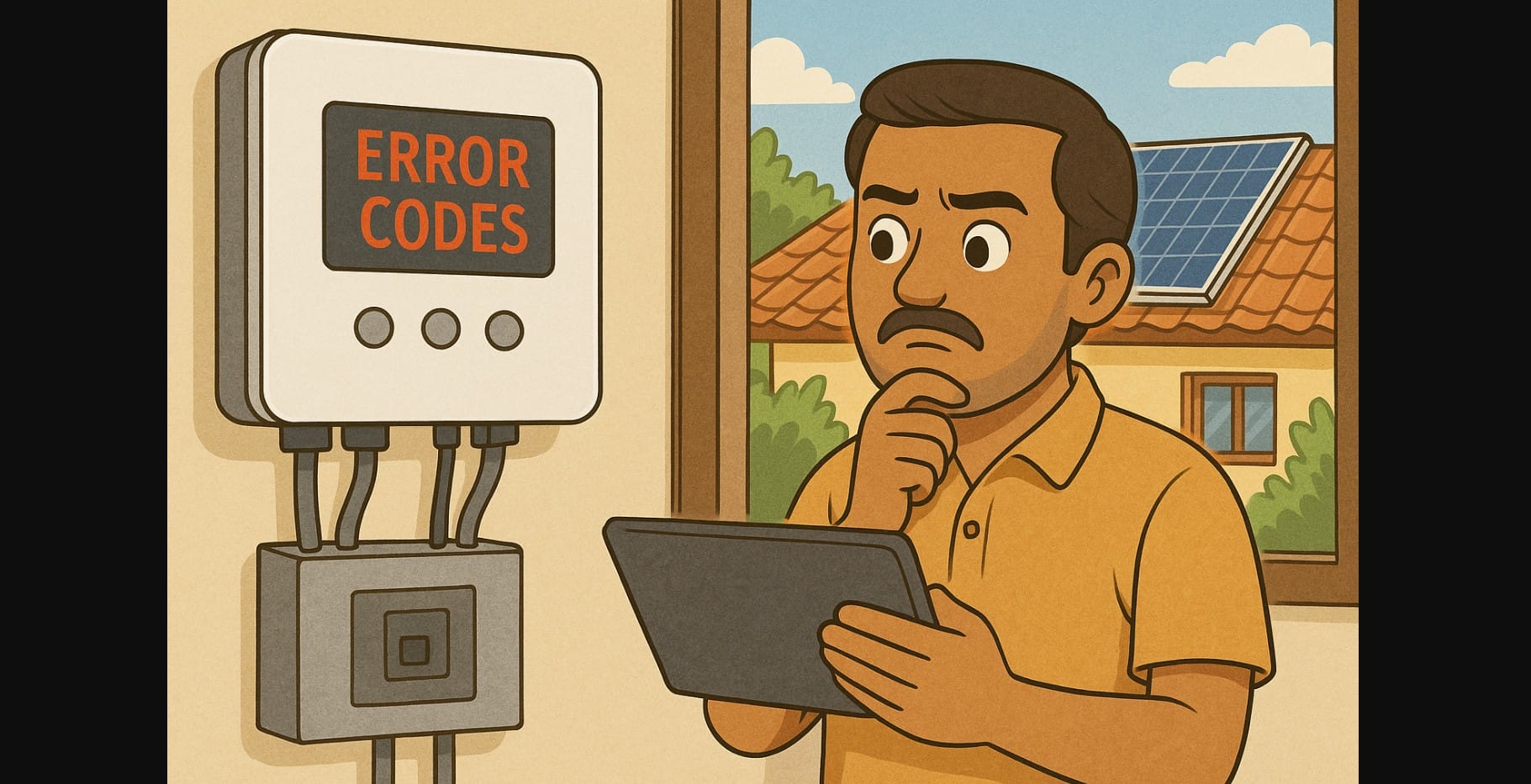
Your solar system may be installed perfectly, but even the best systems face occasional issues especially when grid supply fluctuates, panels get shaded, or the weather changes.
Your solar inverter is the brain of your system, and when something’s wrong, it will usually let you know with:
- Blinking red or orange lights
- A display showing error codes like F05, E001, or NO DC
- A monitoring app alerting you that the system has stopped working
Most of the time, these problems are temporary or minor. Here’s how to read those codes and try basic fixes yourself especially if you’re using popular inverter brands in India like Luminous, Growatt, GoodWe, SMA, or Delta.
1. Understanding the Lights on Your Solar Inverter
| Indicator Light | What It Means |
|---|---|
| Green solid | System is working normally |
| Green flashing | Starting up or syncing with the grid |
| Red or orange | There’s an error or system fault |
| No light | No power, tripped breaker, or internal fault |
If your inverter has a screen, it will also show a code or short message describing the issue.
2. Common Solar Inverter Error Codes and What They Mean
Let’s look at real error codes reported by Indian users, and which brands they usually show up on:
Grid Issues (Voltage/Frequency Problems)
| Code | Meaning | What You Can Do |
|---|---|---|
| F05 (Growatt) | Grid voltage out of range | Wait. It will usually auto-reset in a few minutes |
| E022 (Luminous) | Voltage fluctuation or loss | Check your power supply; restart the inverter |
| 117 (GoodWe) | Frequency outside safe limits | Happens during unstable grid. Usually clears itself |
These are common during power cuts or low voltage phases. No need to panic unless it happens daily.
Solar Input Problems (No DC)
| Code | Meaning | What You Can Do |
|---|---|---|
| E001 (Growatt) | No DC detected from panels | Check if it’s nighttime or deeply cloudy |
| NO DC / E02 | PV input missing or loose connection | Confirm solar input cables are tightly connected |
| PV Lost (Delta) | Panels disconnected or shaded | Check for any roof obstruction or loose wire at combiner box |
This error often shows up early morning or late evening or during monsoon clouds.
Temperature or Overload Issues
| Code | Meaning | What You Can Do |
|---|---|---|
| E021 (Growatt) | Inverter temperature too high | Let it cool. Improve shade/ventilation |
| F07 (Luminous) | Output overload | Turn off high-power devices temporarily |
| E11 (GoodWe) | Heat sink overheating | Clean dust vents, improve airflow |
If the inverter is installed in direct sun or in a closed box, these errors can occur often in summer.
Internal or Communication Errors
| Code | Meaning | What You Can Do |
|---|---|---|
| E027/E028 | Wi-Fi or monitoring error | Restart inverter and Wi-Fi router |
| FAULT 35 (SMA) | Ground fault or earth leakage | Call installer needs testing |
| System Failure | Internal hardware or firmware issue | Requires technician inspection |
These issues don’t always stop generation, but can affect monitoring or safety don’t ignore them.
3. Quick Restart Method (Safe for Most Solar Inverters)
You can safely reboot the inverter using this sequence:
- Turn off the AC side (from main switchboard breaker)
- Turn off the DC isolator (on inverter or near combiner box)
- Wait 2-3 minutes
- Turn on DC first, then AC
If the system still shows a red light or code after 10 minutes of sun, note the code and call your vendor.
4. When to Call for Service or Solar Installer Help
You should call for support if:
- The error does not clear after 30-60 minutes on a sunny day
- You see burnt wires, sparks, or hear buzzing
- The inverter keeps rebooting every few minutes
- You get a ground fault or earth fault warning
Before you call:
- Take a photo of the inverter screen
- Note down the error code and time it started
- Keep your invoice, installer contact, and serial number ready
5. Preventing Future Solar Inverter Issues
| Action | Why It Helps |
|---|---|
| Keep inverter shaded | Reduces overheating in summer |
| Clean dust vents periodically | Prevents internal temp rise |
| Use surge protectors/SPDs | Protects from voltage spikes during storms |
| Avoid overloading inverter | Don’t run AC + geyser + washing machine together on small systems |
| Update inverter firmware | Helps fix communication or monitoring glitches |
6. Common Solar Inverter Error Codes
| Code or Light | What It Means | Homeowner Action |
|---|---|---|
| F05 / E022 | Grid issue | Wait or restart |
| E001 / NO DC | No solar input | Check for sunlight or loose wire |
| E021 / F07 | Overheat or overload | Improve shade, reduce load |
| E027 / FAULT 35 | Monitoring or ground issue | Restart or call installer |
| System Failure | Internal fault | Call service technician |
7. Learn to Read Inverter Codes and Recover Fast
Inverter error codes may seem scary, but when you understand them, they are just simple alerts that are often easy to fix.
If your solar system stops working, take a few minutes to:
- Check the display
- Restart safely
- Understand what the code is telling you
If that doesn’t work, contact a professional, but with the right knowledge, you can usually stay ahead and keep your solar system running well.

