
Overlooked PS5 Features in India – Adaptive Triggers, Game Help, Voice Control
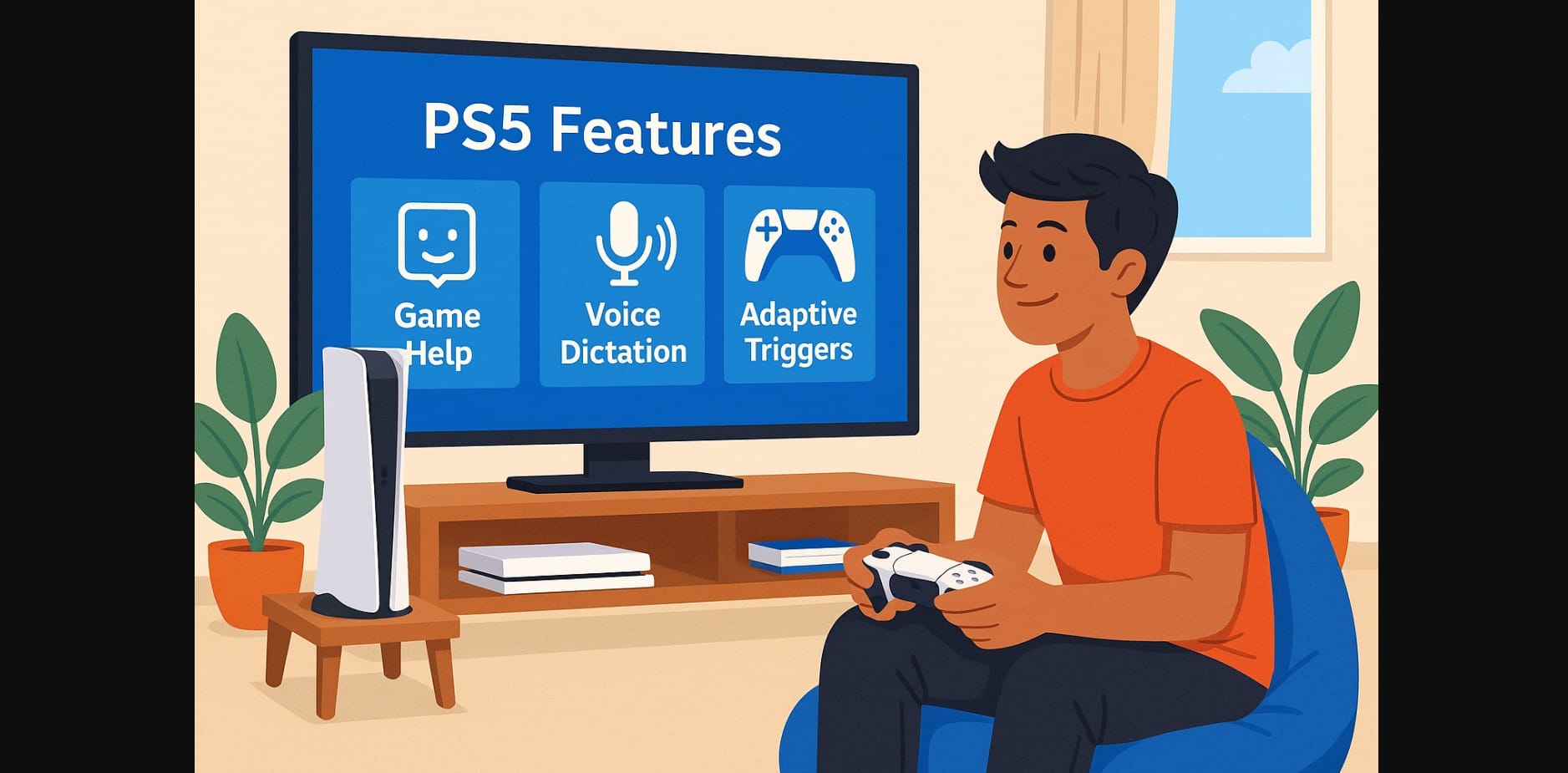
You’ve spent ₹50,000 or more on a Sony PlayStation 5 and played the top games. You might have even upgraded to a 4K TV. However, you’re likely only using 60% of the console’s capabilities.
The PS5 is packed with features that make gameplay smoother, more immersive, and smarter but many users miss them simply because they’re not visible or advertised. Here’s what you might be missing, and how to get more out of your PlayStation 5 without spending a rupee more.
Why These PlayStation 5 Features Often Get Overlooked?
- Language barrier: Many options are buried in menus with unfamiliar terms like “Game Help,” “Activity Cards,” or “Presets.”
- Lack of time: Most users jump into games and skip tutorials or system tips.
- No local guidance: Most reviews in India focus on big games or accessories, not system features.
- Low awareness: You might be disabling powerful features to save battery or bandwidth without realizing their value.
1. PS5 Adaptive Triggers and Haptic Feedback – More Than Just Vibration
Most Indian gamers turn these off to save battery and lose out on one of PS5’s most innovative features.
What They Do:
- Adaptive triggers (L2/R2) simulate gun tension, brake resistance, bow pull
- Haptic feedback replaces standard rumble with detailed vibration effects
Why You Should Use Them:
- Makes racing, shooting, and action games more realistic
- Supported in titles like Spider-Man 2, Ratchet & Clank, Gran Turismo 7, Call of Duty
How to Adjust:
- Settings > Accessories > Controller (Feedback Intensity / Trigger Effect Intensity)
- Instead of disabling, reduce to “Medium” or “Weak” better battery + feel
2. PS5 Game Help – No More Googling Mid-Game
Stuck on a puzzle? Need to find that hidden door? PS5 has an inbuilt hint system but most users never notice it.
What It Does:
- Provides spoiler-free hints and video clips for your current objective
- Only available in supported PS5 titles (e.g., Astro’s Playroom, Demon’s Souls)
How to Use:
- Press the PS button during gameplay
- Select the Activity Card > Game Help
- Watch short videos or read tips without leaving the screen
Why It’s a Game-Changer:
- Saves time, avoids spoilers, and keeps you immersed
- Especially useful for younger players or new gamers without walkthrough knowledge
3. PlayStation 5 Voice Dictation – Talk Instead of Typing
Typing on the PS5 with a virtual keyboard is slow. But you can talk into your DualSense mic to search, chat, or type.
How to Use It:
- Settings > System > Language > Voice Input: On
- Works for search bar, messaging friends, PS Store queries
Real Use in India:
- Say “Spider Man Miles Morales” instead of typing letter by letter
- Works in Indian-accented English, making it far more usable than expected
4. PS5 Activity Cards – Know What’s Next Without Opening a Menu
Every PS5 game shows you progress, remaining objectives, and estimated time to finish missions.
Why It’s Useful:
- No need to pause and dig through menus
- Helps casual and completionist players see progress easily
- Saves time for busy players trying to finish quests or collect trophies
Try It With:
- Control
- Sackboy
- Ghost of Tsushima Director’s Cut
- Horizon Forbidden West
5. Game Presets – Set It Once, Use It Forever
Tired of switching camera settings, resolution modes, or difficulty every game?
Use Game Presets: Go to Settings > Saved Data and Game/App Settings > Game Presets
Set your defaults:
- Performance or Resolution Mode
- Camera Inversion
- Difficulty: Easy / Normal / Hard
- First or Third Person View
Why It Helps:
- Every new game uses your preferences
- Great for shared consoles with multiple users (e.g., family or siblings)
Unlock the Real PlayStation 5 Experience Without Buying Anything Extra
The PS5 isn’t just about 4K graphics and fast load times. Its real strength lies in the small features that enhance how you play and interact. But if you skip over these tools like Game Help, voice input, or controller feedback you’re using the PS5 like a PS4.
These overlooked tools were designed to save time, improve comfort, and make gaming feel more alive.

